
The school, in every pocket.
Three apps on iOS and Android: one for parents, one for teachers and one for the office. Each works on the same record as the platform, so what one person does, the others see.

Three apps, one record.
The apps keep no copies of their own. They read and write the same record as the platform, so one person's action shows on the others' phones.
Teacher to parents
Homework set in the teacher app reaches parents as a notification.
Parent to teacher
Leave requested in the parent app shows on the register once it is approved.
Parent to office
A fee paid in the parent app is in the day's collection, with the receipt already sent.
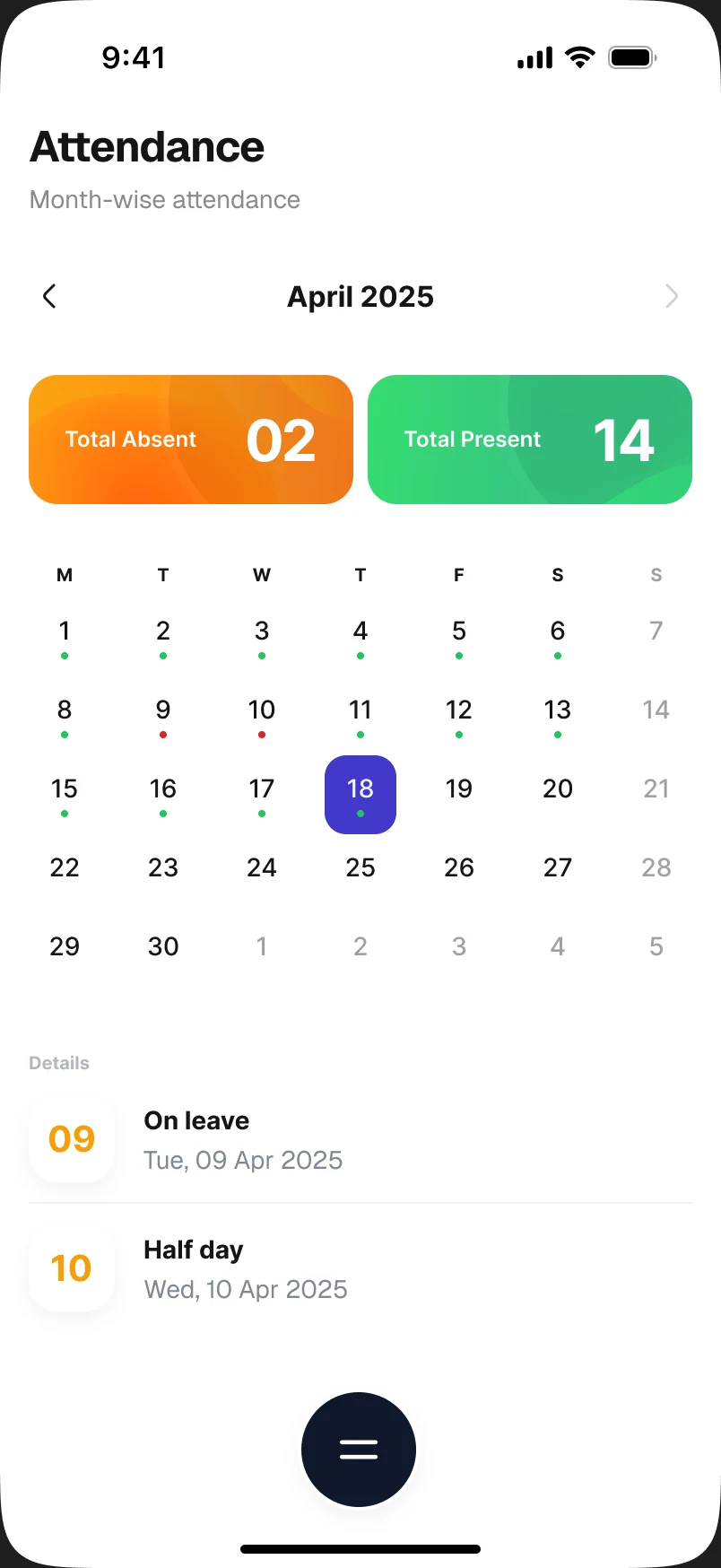
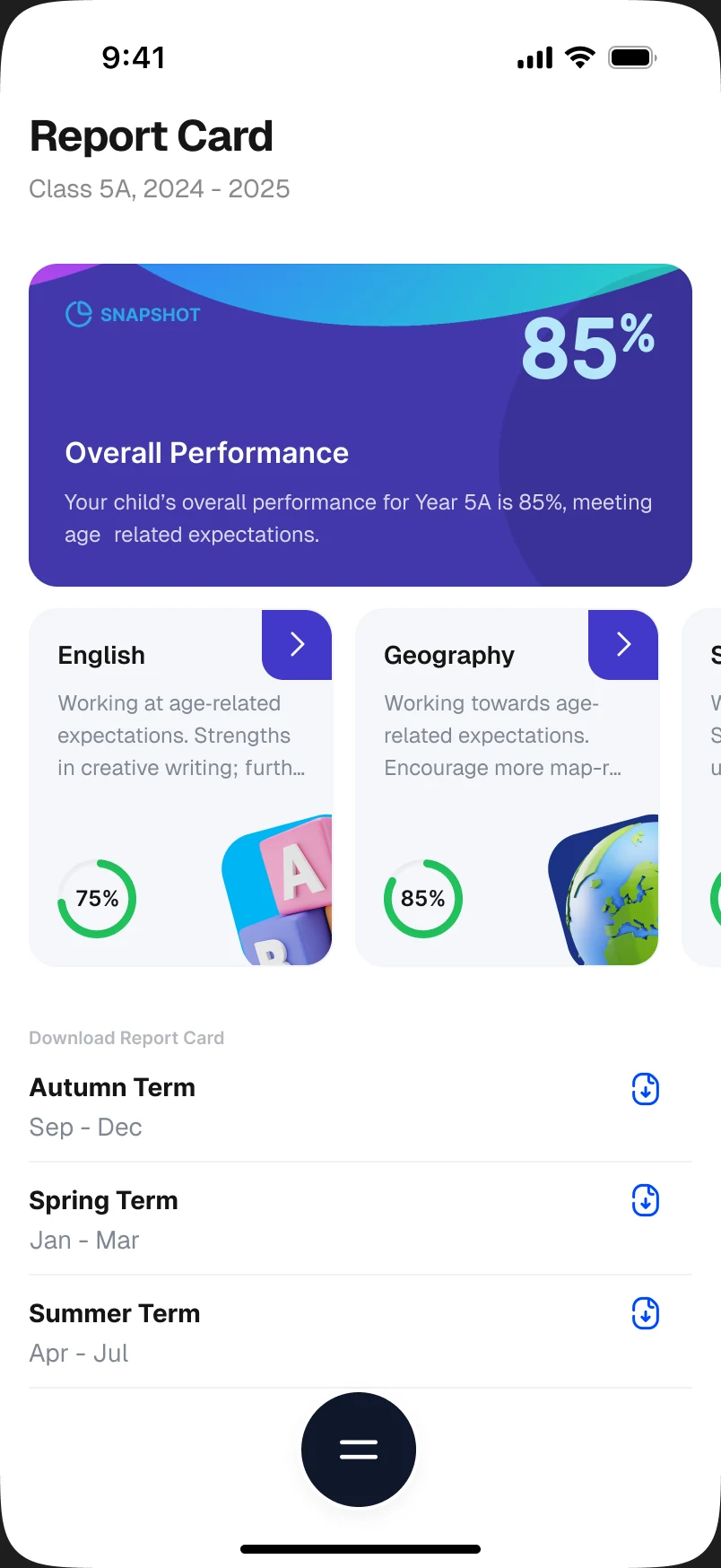
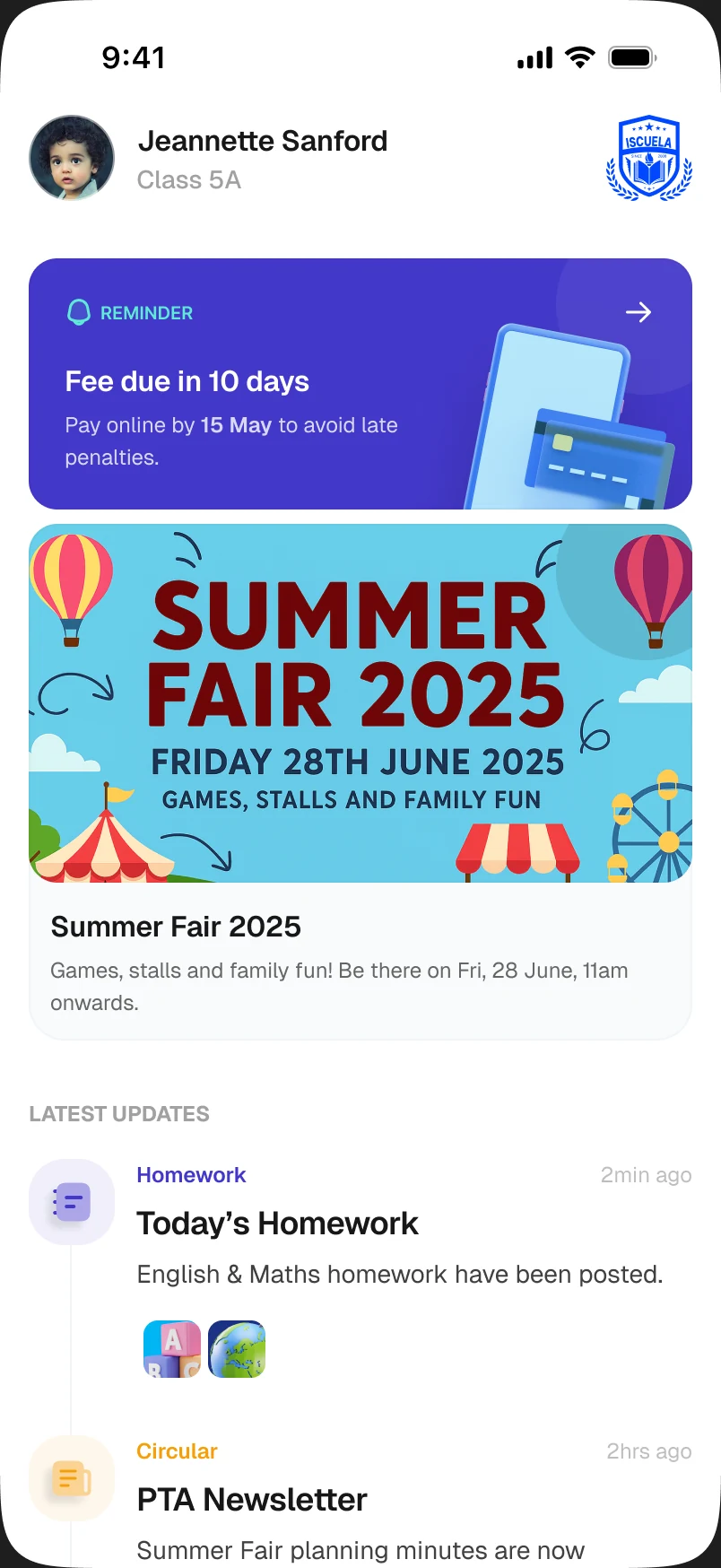
For parents, the school on one phone.
One account for all their children, switching between them. What the school publishes reaches parents as a notification that opens on the item itself.
Fees
An itemised bill with fines and concessions applied, paid in the app, the receipt issued automatically.
Notices
Homework, circulars, news and awards, pushed to the phone.
Attendance
The daily record and the month's summary, and leave requested with documents attached.
Report cards
Published report cards, to view and download.
Messages
One-to-one with the child's teachers.
For teachers, the register in their pocket.
The daily jobs that used to wait for a free computer, done from the classroom.
Attendance
Mark the register for each class, wherever the lesson is.
Homework
Set it for a class and subject, and keep track of what is due.







Students
Each student's profile and the parents' contact details, a search away.
Circulars
The school's announcements and circulars, as they go out.
For school leaders, the whole school from anywhere.
Heads and the office see the day's numbers on their phone, without waiting to be back at a desk.
Attendance
Daily and weekly attendance, for students and for staff.
Fees
Collections, pending dues and each parent's payment history.
Staff
Staff profiles, and leave requests to approve.
Students
Each student's details and academic record, by name or class.
Homework
What has been set across classes, and what is due.
Which phones do the apps run on?
iPhone and Android. Each app is installed from the App Store or Google Play, and parents, teachers and the office each have their own.
Do parents with more than one child need more than one account?
No. One account covers all their children, switching between them, and every screen follows the child chosen.
How do parents sign in?
With their mobile number and a one-time code, or a password they set. A parent registered at more than one school picks the school first.
Can a school choose what parents see in the app?
Yes. The app's menu is set up for each school, so parents see the sections your school uses.
What about parents who do not use apps?
The office counter does not go away. Fees can be taken at the counter and a receipt issued the same way. The app removes the queue for the parents who would rather not stand in it.